
You do not need space or maintenance for PBX hardware.
You do not buy hardware, sign a maintenance agreement, or move a PBX device when your office moves.
Your voice and data traffic stays active in three cities at the same time. If one site stops, the other sites continue the service. Direct connections to all operators remove dependence on an intermediate carrier.
İstanbul Tier 3
Kocaeli Tier 3
Ankara Tier 3
You do not buy hardware, sign a maintenance agreement, or move a PBX device when your office moves.
You do not manage separate contracts with separate voice, messaging, and internet providers.
The same team also provides maintenance after installation.

Build your call flow, record and report calls, and send bulk voice messages for announcements and reminders.

Send bulk SMS and OTP messages. Use your sender name, see delivery results, and connect your business application through the API.
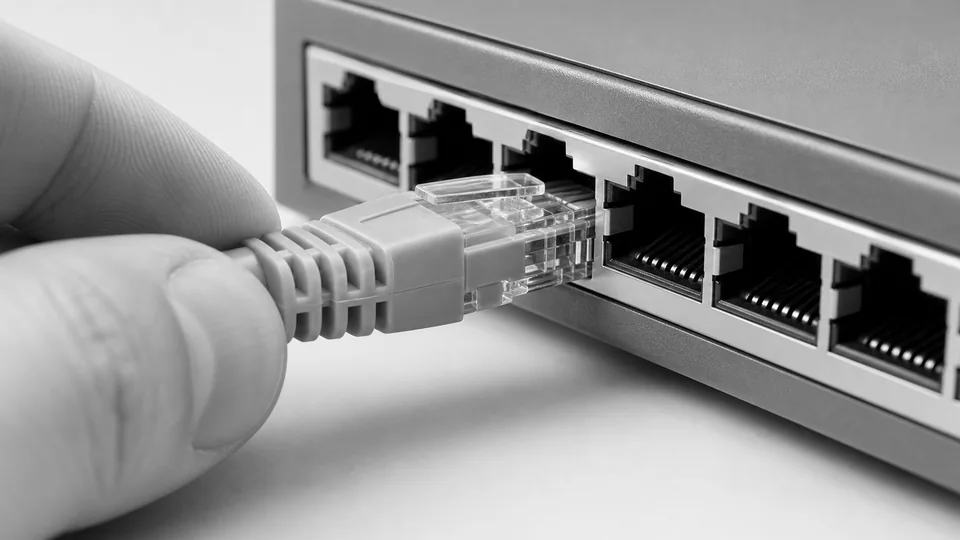
We check which access type is available at your address and set the capacity for your business needs.
The PBX runs on CloudCell infrastructure. You set the call flow and users for your needs.
FunctionResult

One team stays responsible for each layer, from the optical distribution frame to splicing and field tests. The same team also provides maintenance after installation.




 Acıpayam Kaymakamlığı SYDV
 Antalya Şehir Hastanesi
 atv Esra Erol'da
 AYBÜ Diş Hekimliği Fakültesi
 Balat Oyuncak Müzesi
 Beylikdüzü Belediyesi
 Bodrum Devlet Hastanesi
 Erciyes Üniversitesi
 Harbiye Orduevi Müdürlüğü
 İZDENİZ
 İzmir Atatürk EAH
 Koruncuk Vakfı
 Konya Numune Hastanesi
 Limit Otomobil
 Malatya Defterdarlığı
 Mamy Bakery & Coffee
 Ocean Life Gemi Tedarik
 ODYA Bilişim
 Oybirliği Derneği
 Pozitif Kurumsal
 Rumeli TV
 Sigma İletişim
 Silivri Belediyesi
 Şah Kilit
 TESKİ
TESKİ TİGEM
TİGEM TOÇEV
TOÇEV Tohum Otizm Vakfı
 Türk Standardları Enstitüsü
 Türkiye Bosna Sancak Derneği
 Türkiye Motorlu Taşıt Bürosu
 Uludağ Araç Ekspertiz
Public hospitals, universities, municipalities, multi-branch stores, call centers, and e-commerce sites use the same infrastructure.
The flows below are not ready-made packages. They are integration examples whose scope is set during a needs assessment.
AI classifies the request, and the PBX opens the correct queue.
If the required permissions exist, the recording can become a transcript and a summary.
The SMS API sends the message and returns delivery information to your application.
The IVR selection routes the call to a branch queue or a mobile phone.
No. User and call capacity are set for your needs.
Yes. You can port your current number. CloudCell can also allocate a new number if necessary.
Yes. The caller's selection can route the call to the correct team, PBX queue, or mobile phone.
You send announcement, reminder, and information calls to one list. Recipients listen to the message on their phones.
We check the address, your capacity requirement, and the available infrastructure.
Traffic runs active-active in Tier 3 data centers in Istanbul, Kocaeli, and Ankara. Operator connections are direct.
No. These are example flows that can use IVR, PBX, recording, and API services. The technical scope is set during a needs assessment.